Phone Not Charging? Troubleshooting Tips

Vishwas Kumar – Lead Repair Specialist
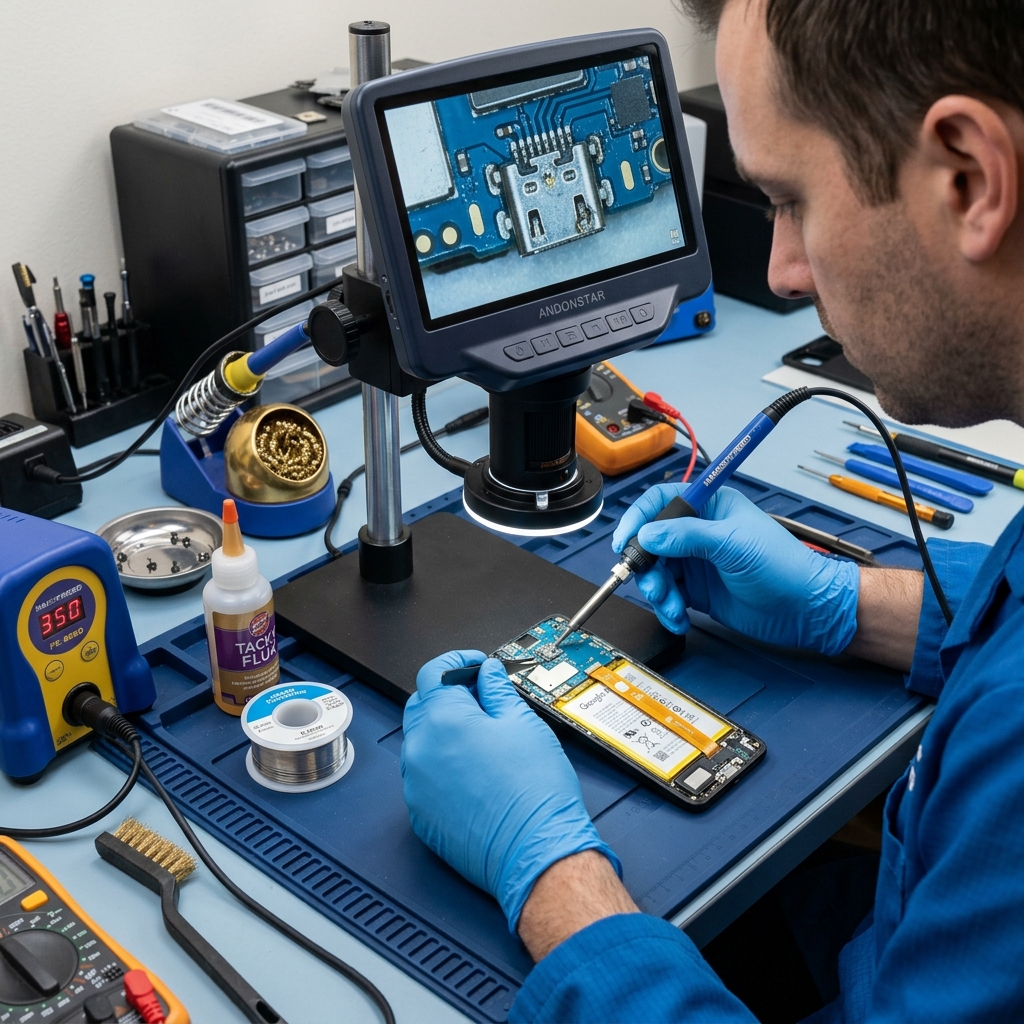
It's a frustrating moment when you plug your phone in, and the battery icon refuses to show the charging symbol. Before you panic, there are several things you can check.
1. Check the Cable and Adapter
The most common culprits are faulty cables or power bricks. Try using a different cable and adapter. Also, plug it into a different wall outlet.
2. Inspect the Charging Port
Lint and dust often get trapped in the charging port, preventing a solid connection. Learn How to Clean Your Charging Port Safely.
3. Identify the Port Type
Different ports have different common failure points. You can read more about this in our comparison of USB-C vs. Lightning Port Repairs.
Need Professional Help?
If your phone still won't charge, the port might need replacement. Head over to our Charging Port Repair Services for quick and reliable assistance.
Cable, port, or battery - which is it?
Most "not charging" cases are the cheapest one (a frayed cable), but the symptom tells you where to look before you spend anything.
| Symptom | Most likely cause | Fix |
|---|---|---|
| Works only at a certain angle | Lint or loose port | Clean first, then port repair |
| Dead with every cable and plug | Charging port or board | Diagnosis needed |
| Charges very slowly / warm | Tired battery or cheap charger | Battery check |
| Charges fine on PC, not on wall | Faulty adapter | Replace adapter |
A Patna-specific cause people miss
Voltage swings and frequent power cuts kill cheap adapters and slowly stress the charging board. Add dusty pockets and humidity, and Patna phones clog and fail at the port more often than the cable. If a clean cable, a known-good adapter, and a port clean all fail, the port itself likely needs work - that is a charging port repair from Rs 1,299, usually same day at our Boring Road counter. See where it sits among other repairs in the Patna mobile repair price list, or check our hours and location on the Boring Road guide.