Redmi Note 14 Charging Not Working - Fix Guide (Patna)

Ravish Pandey – Founder & Owner
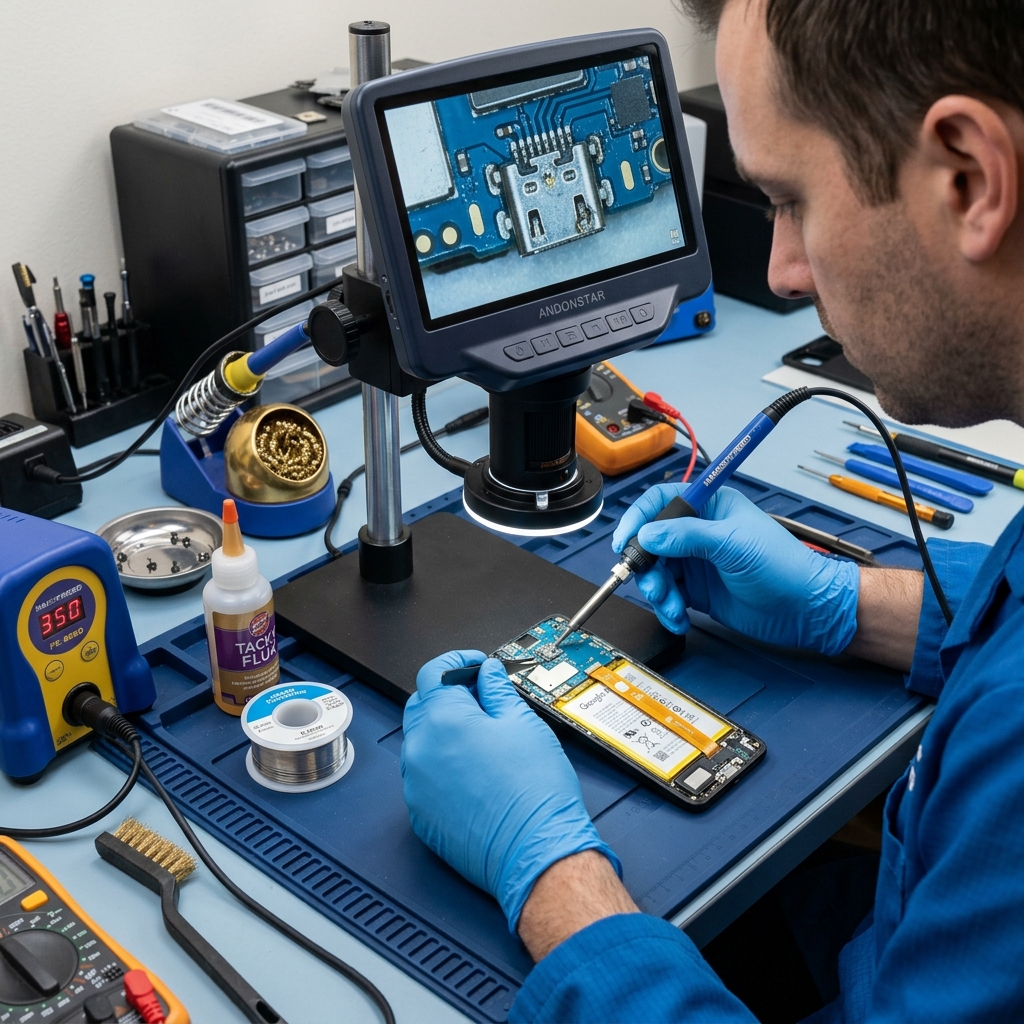
If your Redmi Note 14 has stopped charging, do not assume the worst - most cases are a bad cable or a lint-packed port, not a dead board. Work through these fixes in order, cheapest first, and you will solve the majority of cases without spending anything. If the phone still refuses to charge after all of them, it is a hardware fault and you will know exactly what to tell the technician.
Try these in order
- Swap the cable. Frayed or cheap USB-C cables are the number one cause. Test with a known-good one.
- Change the adapter and outlet. A weak brick or a dead socket mimics a broken phone. Try a different charger and wall point.
- Clean the port. Lint packs into the USB-C port - power off and lift it out gently with a wooden toothpick. Full method: how to clean your charging port safely.
- Reboot. A quick restart clears a stuck charging service.
- Try wired charging while off. If it charges only when powered down, that points to software or battery, not the port.
Cable, port, or battery - reading the symptom
| Symptom | Likely cause |
|---|---|
| Works at an angle / loose feel | Lint or worn USB-C port |
| Nothing with any cable or plug | Port or board fault |
| Slow charge, gets warm | Tired battery or weak adapter |
A Patna-specific note: voltage swings and frequent power cuts quietly kill cheap adapters, so test with a good charger before blaming the phone.
When to book a repair
If a good cable, a known adapter, and a clean port all fail, the USB-C port likely has bent pins or has lifted from the board - a charging port repair from Rs 1,299, usually same day. We diagnose first, so if it is only dirt you pay far less. See where it sits in the Patna mobile repair price list, or check hours on the Boring Road guide.