Phone Stuck on Boot Logo - Causes, DIY Fix & When to Come In

Vishwas Kumar – Lead Repair Specialist
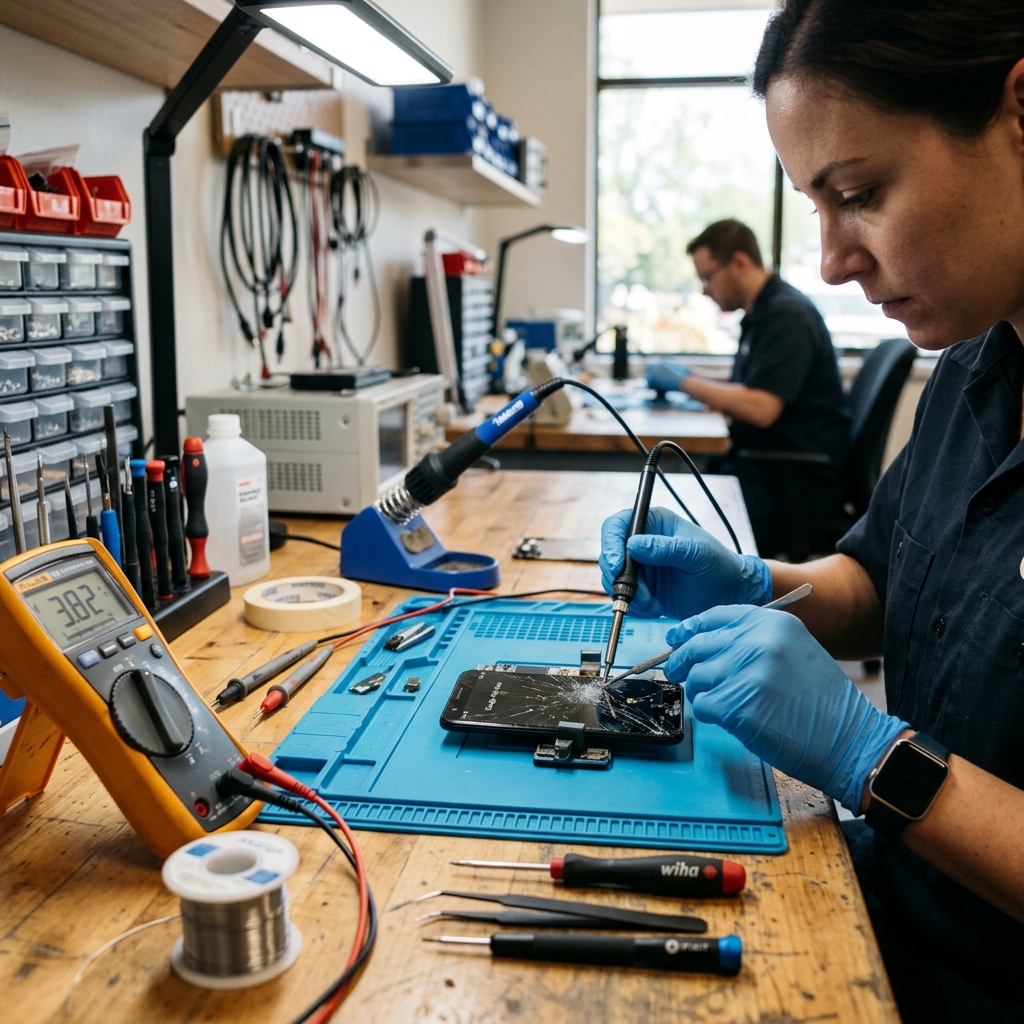
A phone frozen on the boot logo (or endlessly restarting - a "bootloop") is alarming because the phone is effectively dead in your hand. The key thing to know before you touch anything: some fixes keep your data, and one common fix erases it. Try the safe steps in order first. If they fail, stop before a factory reset - your photos may still be recoverable. Here are the causes, the safe DIY sequence, and when to bring it in.
Safe DIY steps, in order
- Force restart: hold power (or power + volume down) for 10–20 seconds.
- Charge 30 minutes, then retry: a dead battery can mimic a bootloop.
- Clear the cache partition from recovery mode - this fixes many update-related loops without erasing data.
- Stop here if your data matters. The next step, factory reset, erases everything.
What is causing it
| Cause | Data usually safe? | Fix |
|---|---|---|
| Failed software update | Yes | Cache clear / reflash |
| Bad app or root attempt | Often | Safe mode / reflash |
| Full or failing storage | Risky | Diagnose - back up first |
| After a drop | No guarantee | Hardware repair |
| After water exposure | At risk | See water damage help |
If it started after a spill, treat it as liquid damage and act fast - see the monsoon water damage guide.
When to bring it in
If the safe steps fail and the phone holds data you have not backed up, do not factory reset - bring it to our Boring Road counter first. We can often recover data and reflash the software where a reset would wipe it. A free diagnosis tells you whether it is software or a failing board; contact us or check costs in the Patna mobile repair price list.
The one mistake to avoid
The most common regret we see is a panic factory reset that erased irreplaceable photos when a cache clear would have worked. If the data matters, get it diagnosed before you wipe it - and read how to back up your phone before a repair so next time the risk is gone.