How to Clean Your Charging Port Safely

Vishwas Kumar – Lead Repair Specialist
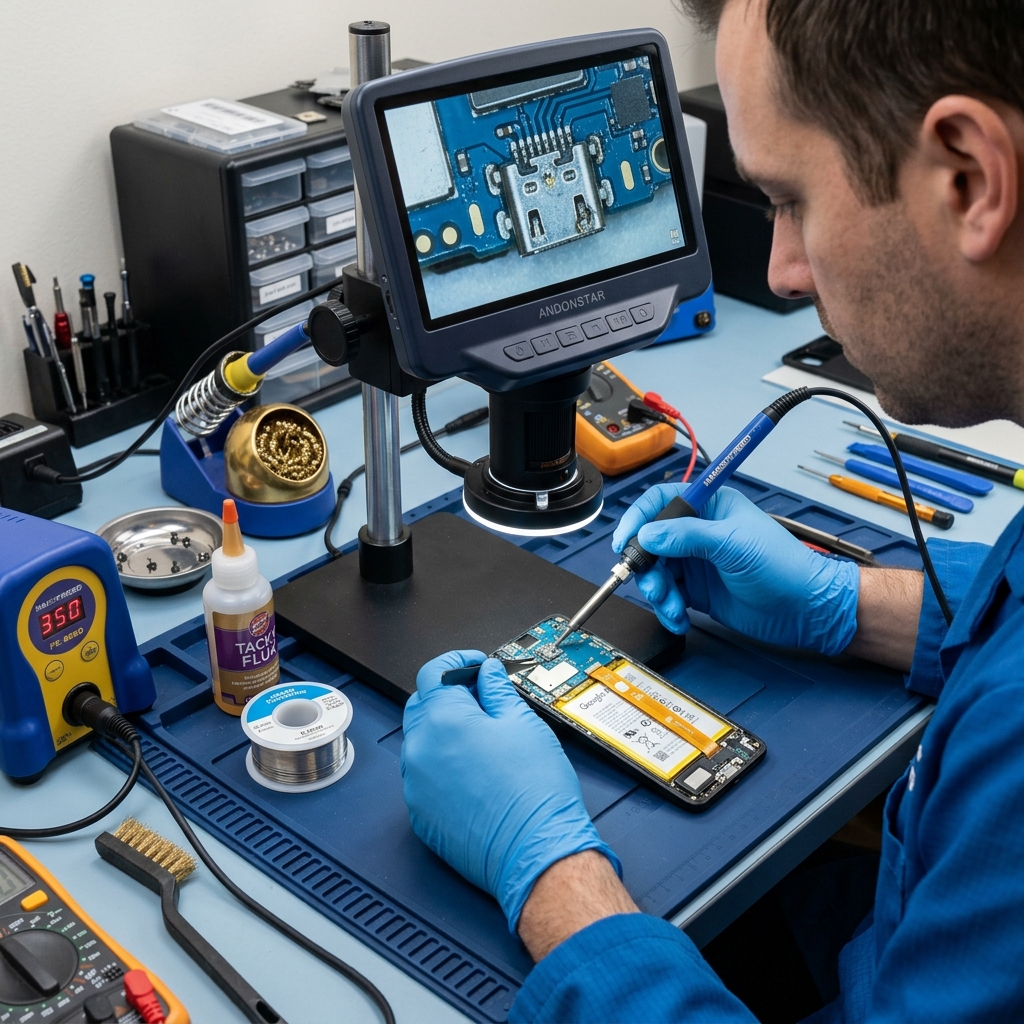
Is your charger feeling loose, or do you have to wiggle the cable to get it to charge? You probably have pocket lint packed into your charging port.
Tools You Will Need
- A can of compressed air
- A wooden or plastic toothpick (NEVER use metal objects like paperclips or needles)
- A bright light
The Cleaning Process
- Power Off: Always turn off your phone before poking around inside a port.
- Blow it Out: Give the port a quick blast of compressed air to loosen debris.
- Gently Pick: Use the toothpick to gently scrape around the edges of the port. Do not press hard on the center pins.
- Repeat: Repeat the process until the lint is removed.
For more general charging issues, check out our Troubleshooting Guide or learn about the differences in USB-C and Lightning ports.
Still Not Working?
If a good cleaning didn't fix the issue, you might have hardware damage. Check out our Charging Port Repair Services for a permanent fix.
Why Patna phones clog faster
Pocket lint is universal, but dust, summer sweat, and humidity make charging ports fill up quicker here than in drier, cleaner cities. The result is the classic "have to hold the cable at an angle" problem - almost always packed debris, not a dead port. A careful clean fixes it in minutes.
What never to do
- No metal - paperclips, pins, or SIM ejectors bend the delicate centre pins and can short the port.
- No liquid or water inside the port, ever.
- No hard prying at the centre contacts; work only the edges.
When cleaning won't fix it
If the port is clean but the cable still wobbles or only charges at one angle, the pins are likely bent or the port has lifted from the board - that is a hardware fault, not dirt. At that point a charging port repair (from Rs 1,299, usually same day) is the real fix. We will often do a quick diagnostic clean first and tell you honestly whether a replacement is even needed. For other charging symptoms see the troubleshooting guide, and for all repair costs the Patna mobile repair price list.