Swollen Phone Battery: What to Do

Ravish Pandey – Founder & Owner
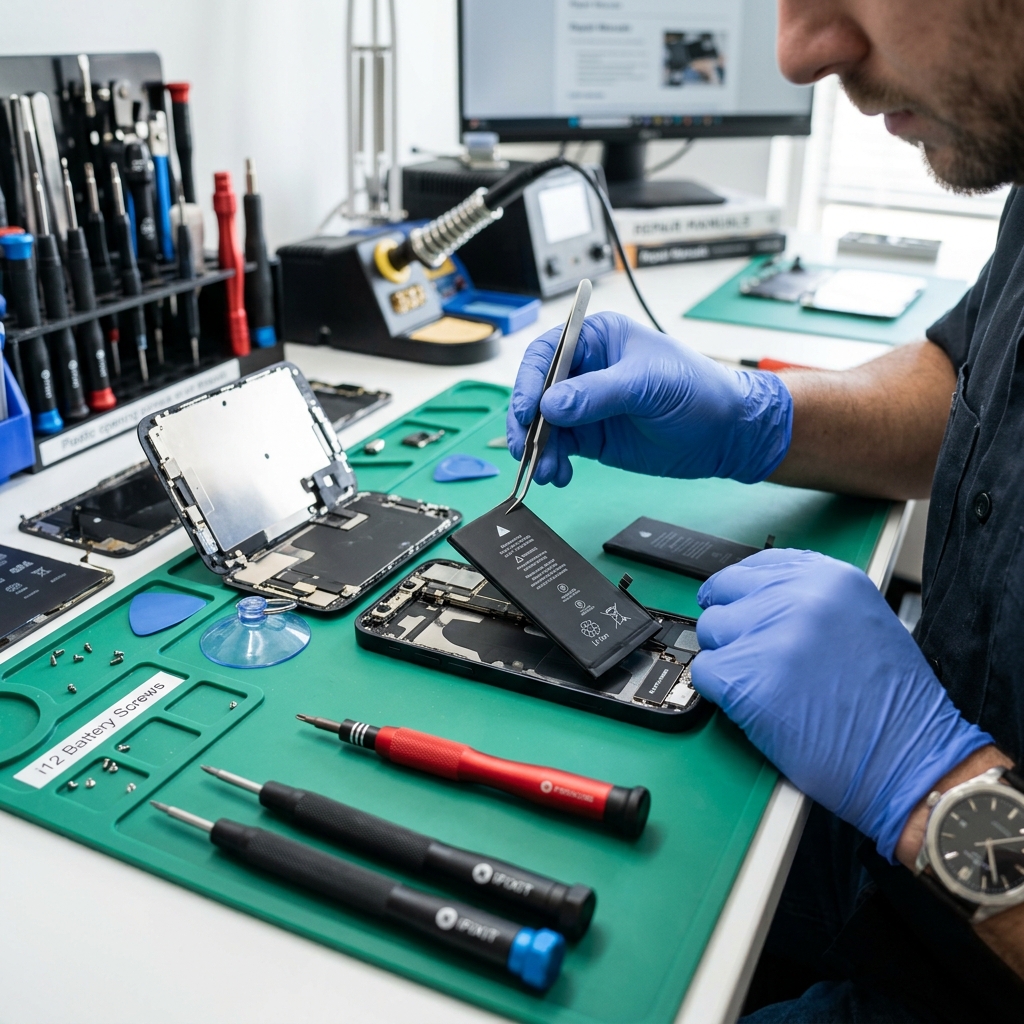
A swollen phone battery is a serious safety hazard. It occurs when gas builds up inside the battery casing, usually due to overheating, overcharging, or physical damage.
Immediate Steps
- Stop Charging: Unplug the device immediately.
- Do Not Press: Avoid pressing on the screen or back glass, as this could puncture the battery.
- Seek Professional Help: Do not attempt to remove a swollen battery yourself.
Bring it to us for safe disposal and repair via our Battery Replacement Services.
Read more about battery issues in Signs Your Phone Battery Needs Replacing and iPhone Battery Health Percentage Explained.
Why batteries swell - and why it is urgent
Swelling happens when a lithium cell vents gas, usually after years of heat, daily fast charging, a cheap charger, or a tiny puncture from an earlier drop. Patna's summer heat and voltage fluctuations make it more common here than in cooler cities. A swollen cell is under pressure and one puncture away from catching fire, so it is not a "use it till it dies" situation - it is a same-day fix.
What not to do
- Do not keep charging it - that adds heat and pressure.
- Do not press, bend, or pierce the bulge to "let the air out."
- Do not throw it in normal waste - a damaged cell can ignite in the bin.
- Do not leave it in a hot room or car while you decide.
Power the phone off, keep it somewhere cool and open, and bring it in.
Safe replacement and disposal in Patna
We remove swollen cells safely, fit a fresh certified battery, and dispose of the old one responsibly rather than dumping it. Most swaps are same-day, 30–45 minutes, and a standard Android battery is Rs 1,499–2,200 (iPhone more). Bring it to our Boring Road counter - see other warning signs in signs your phone battery needs replacing and prices in the Patna mobile repair price list.