iPhone Battery Health Percentage Explained

Ravish Pandey – Founder & Owner
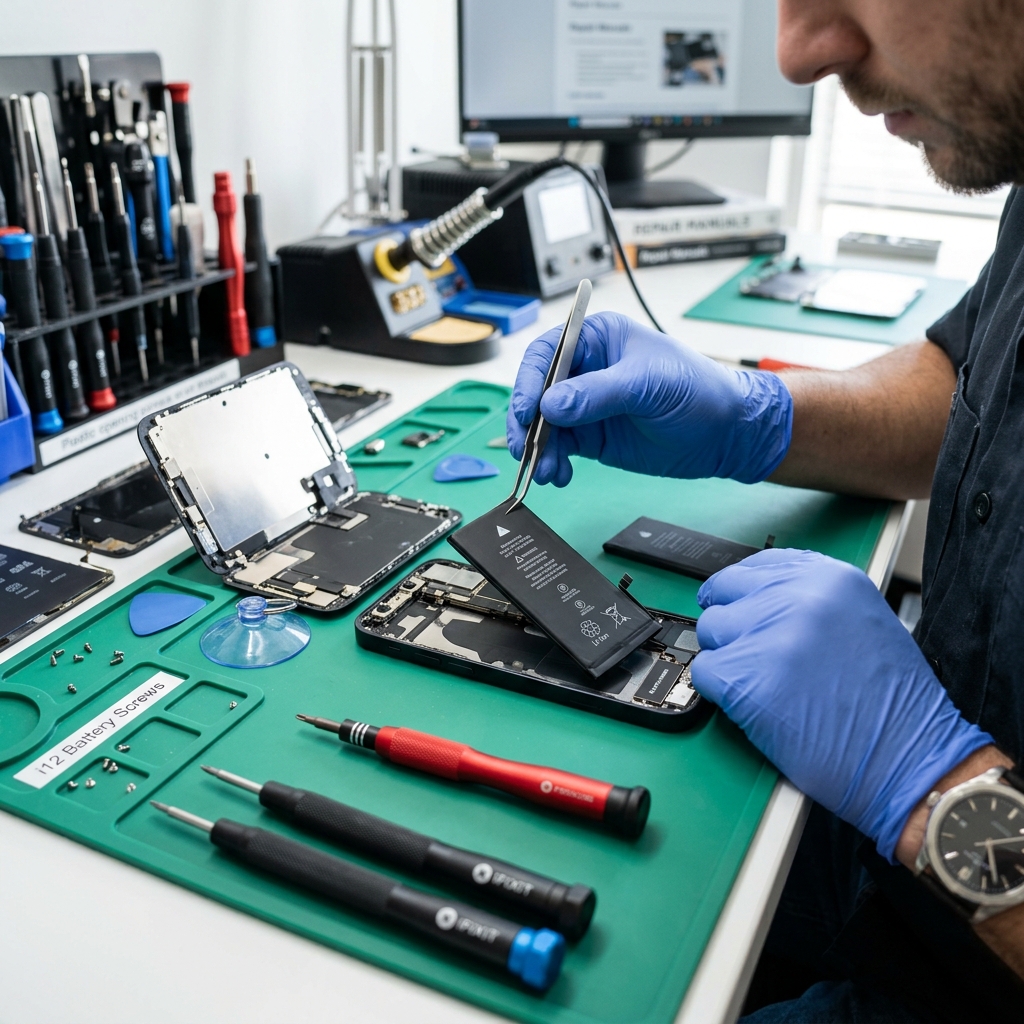
Apple introduced the Battery Health feature to give users transparency about their battery's longevity. But what do those numbers actually mean?
Understanding the Numbers
- 100% - 90%: Peak performance. Your battery is in great shape.
- 89% - 80%: Normal wear and tear. You might notice slightly shorter battery life.
- Below 80%: It's usually recommended to get a replacement as performance drops can occur.
Ready for a new battery? Visit our Battery Replacement Services.
Don't forget to check out Signs Your Phone Battery Needs Replacing and How Long Do Android Phone Batteries Last?.
What the "Service" message really means
When Battery Health drops far enough, iOS replaces the percentage with a "Service" note under Settings → Battery → Battery Health. This is not a scam prompt - it means the battery can no longer deliver peak performance, and you may already be seeing throttling: slower app launches, dimmer screen, or shutdowns in cold weather. Health usually falls fastest in the first year if you fast-charge daily or leave the phone in Patna's summer heat, then levels off.
A key point most people miss: once you cross 80%, iOS can quietly cap CPU performance to prevent sudden shutdowns. A fresh battery removes that cap and the phone feels new again - the slowdown was never the processor.
iPhone battery replacement cost in Patna
| Model | Indicative price | Turnaround |
|---|---|---|
| iPhone 13 | Rs 2,800 – Rs 4,500 | same day |
| iPhone 14 | Rs 3,500 – Rs 5,500 | same day |
| iPhone 15 | Rs 4,000 – Rs 6,500 | same day |
A non-Apple cell triggers the same "unable to verify genuine battery" notice as a third-party screen - the phone works normally, only the status line changes, and we explain this before fitting. For the full picture see iPhone repair in Patna and the Patna mobile repair price list.